Music School Management Software: Features to Look for in 2026

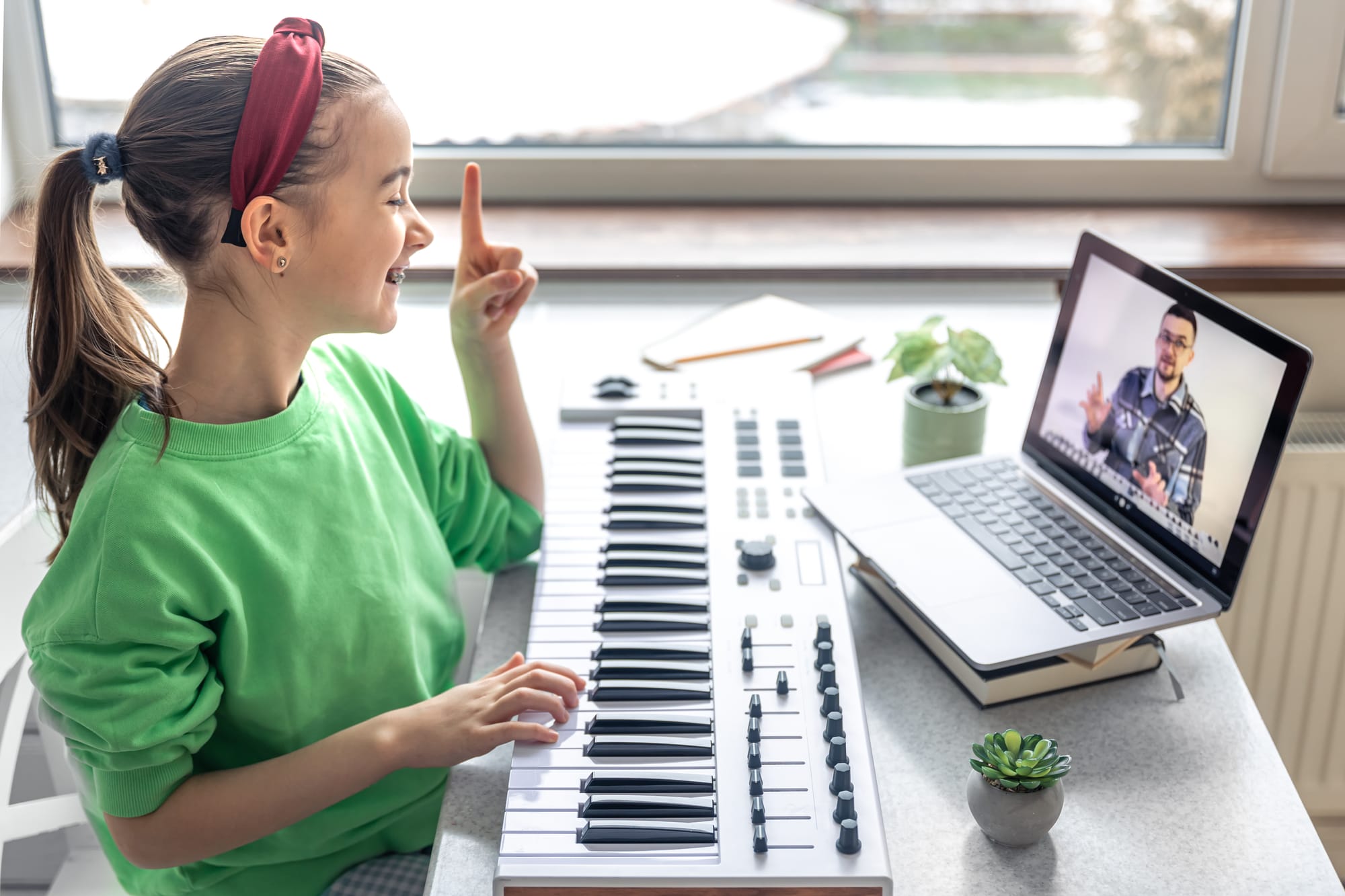
Lesson schedules changing every week, payments arriving at different times, parents asking for updates, and teachers trying to track student progress, daily operations inside a music school can quickly become difficult to manage when everything is handled through scattered tools. Paper notes, spreadsheets, and manual reminders may work for a short time, but as enrollments grow, these methods often create confusion rather than clarity.
Music schools need a centralised system for organization. Management software for music schools is essential, helping them manage schedules, track payments, organize lessons, and maintain communication. Modern platforms offer features like scheduling, attendance tracking, lesson reminders, and progress updates all in one place, replacing multiple apps. This software reduces administrative burden, allowing schools to focus more on student development and less on paperwork, without replacing teachers or creativity.
Why Your Music School Needs Dedicated Management Software
Many music schools begin with simple systems such as spreadsheets, notebooks, and shared calendars. These tools may feel familiar, but they often create challenges once the school grows and more students enroll. Manual systems make it harder to keep everything updated. A single change in a class schedule might require updating several records. Payments may be tracked in one place while lesson notes sit somewhere else. Over time, these disconnected methods can lead to missed information.
Dedicated management software for music schools helps solve these problems by bringing every task into one platform. Some common issues that appear without a proper system include:
- Double bookings when multiple schedules overlap
- Missed or delayed payments
- Difficulty tracking student progress
- Disorganized lesson records
- Communication gaps between teachers and parents
Key Features To Look For In Music School Management Software
Not every platform offers the same level of functionality. Some tools provide basic scheduling, while others include a complete system designed specifically for music education.
Choosing the right solution means looking closely at the music school management features that support daily operations.
Scheduling and Calendar Management
Scheduling remains one of the most important functions for a music school. Classes may include private lessons, group sessions, and recitals, each requiring careful coordination. A good system provides flexible scheduling tools that allow schools to manage all these activities in one calendar.
Helpful scheduling capabilities include:
- Drag-and-drop lesson planning
- Recurring class scheduling
- Teacher availability tracking
- Rescheduling and cancellation options
A visual calendar also allows administrators and teachers to see upcoming classes at a glance and make quick adjustments when needed.
Billing and Payment Management
Tracking fees manually can be time-consuming and confusing. Automated billing tools simplify the entire process. Software platforms often provide:
- Automatic invoice generation
- Secure online payment options
- Clear payment records
- Easy tracking of outstanding balances
These tools help schools maintain accurate financial records while reducing the time spent on manual bookkeeping.
Student and Family Profiles
Music education involves more than just schedules. Teachers also need to keep track of student progress and lesson details. Comprehensive student profiles help organize important information such as:
- Contact details
- Lesson schedules
- Practice notes
- Feedback from teachers
Family accounts can also allow parents to view schedules, receive updates, and stay connected with their child's learning journey.
Communication Tools
Communication plays an important role in any music learning environment.
Integrated messaging features make it easier for teachers, students, and parents to stay connected. Instead of relying on external messaging apps, everything can happen within the platform. Common communication tools include:
- Direct messaging between teachers and students
- Class announcements
- Lesson reminders
- Homework or practice instructions
These tools ensure everyone stays informed about upcoming classes and learning tasks.
Attendance and Progress Tracking
Tracking attendance and student improvement helps teachers guide their students more effectively. Platforms with built-in tracking systems allow teachers to record attendance and document lesson feedback. Some systems also allow students to upload recordings or practice logs, which helps teachers monitor improvement over time.
Simple progress tracking features may include:
- Lesson feedback notes
- Practice logs
- performance tracking
- learning milestones
These records help both teachers and parents understand how students are developing their skills.
Reporting and Insights
Organizing information is only part of the process. Understanding that information also matters.
Reporting tools allow administrators to review important areas of the school such as:
- Student enrollments
- teacher workloads
- fee collections
- class activity trends
Clear reports help schools make informed decisions about scheduling, course planning, and overall operations.
Additional Useful Features
Some platforms offer extra tools that support the complete music learning experience.
Examples include:
- Mobile access for teachers and administrators
- Integration with online lesson tools
- Recital planning and management
- Secure data protection features
These additions make daily operations smoother while supporting both in-person and online learning environments.
Bringing Organization and Music Education Together
Managing a music school involves much more than teaching lessons. Scheduling, payments, communication, and progress tracking all play a role in keeping the learning environment organized. Modern management software for music schools helps bring these tasks together into one place. Instead of switching between multiple tools, schools can manage operations through a single platform with practical music school management features designed specifically for music education.
Platforms such as Mousiki are built with this goal in mind. The system connects teachers, students, parents, and administrators in one collaborative space. Scheduling lessons, organizing group classes, managing payments, tracking student progress, and even planning recitals can all be handled within the platform. By reducing administrative work, tools like Mousiki allow teachers to focus more on what matters most, helping students grow through music.
Frequently Asked Questions
1. What does music school management software do?
Music school management software helps schools organize schedules, manage student enrollments, track payments, and maintain communication between teachers, students, and parents through one centralized system.
2. Why is scheduling important in music school software?
Scheduling tools help organize private lessons, group classes, and recitals while preventing conflicts or double bookings. A clear calendar keeps teachers and students informed about upcoming lessons.
3. Can parents stay updated through management software?
Yes. Many platforms include parent portals where families can check schedules, receive updates, track payments, and view feedback from teachers about student progress.
4. Does software help teachers track student progress?
Most systems include progress tracking tools that allow teachers to record lesson notes, monitor practice activity, and provide feedback after each class.
5. Is it difficult to switch from manual systems to software?
Many platforms provide onboarding support, tutorials, and simple data import tools. With proper planning, schools can move from manual methods to software smoothly.